Log a new deal and move it through the pipeline
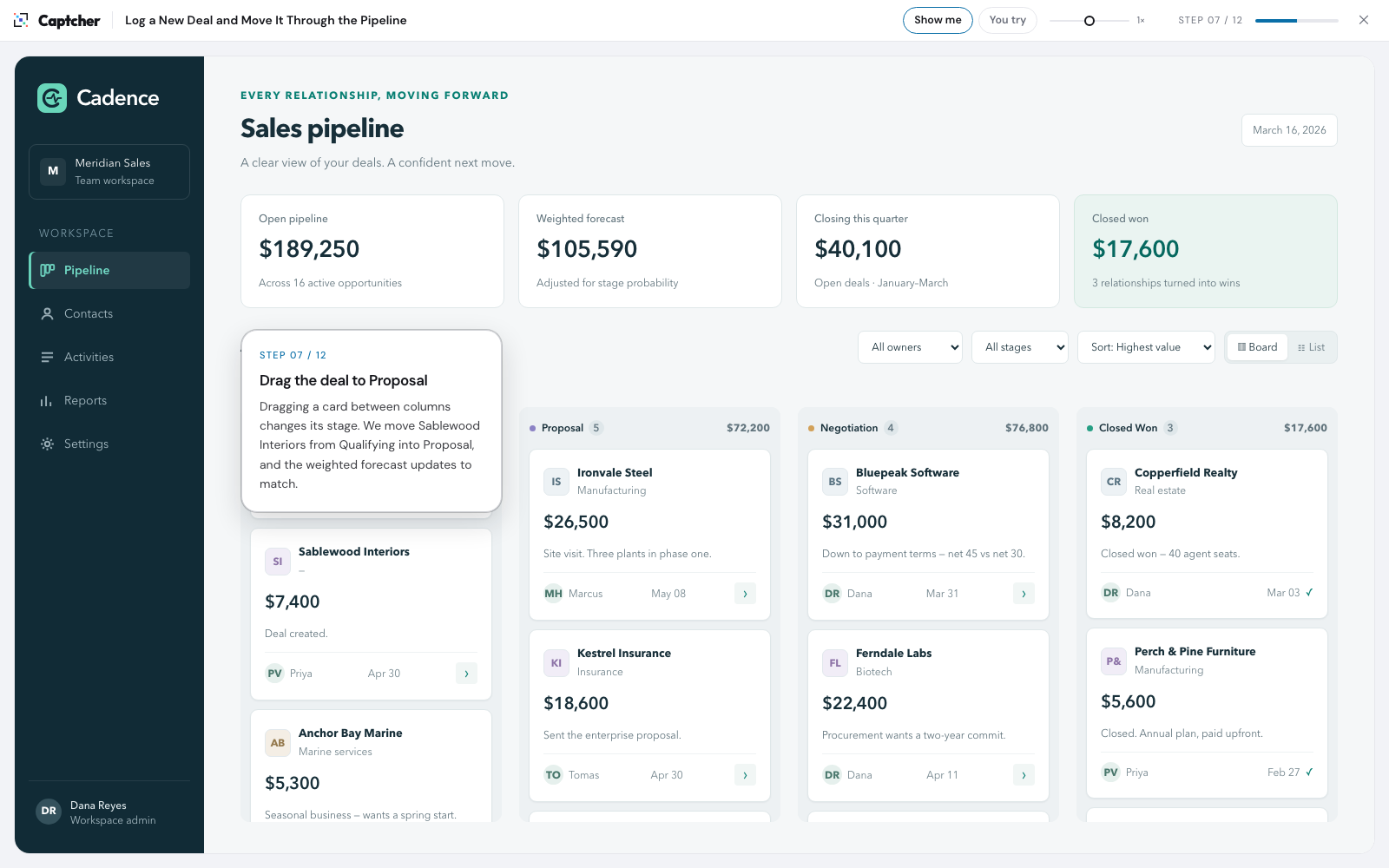
A $7,400 opportunity with Sablewood Interiors isn’t in the CRM yet. Create the deal, sort and filter the board, drag it to Proposal and check its record.
Open walkthroughExamples
These are real walkthroughs, each recorded once in a sample app and written up by Captcher’s AI. Watch the task with Show me, then do it yourself with You try.
A $7,400 opportunity with Sablewood Interiors isn’t in the CRM yet. Create the deal, sort and filter the board, drag it to Proposal and check its record.
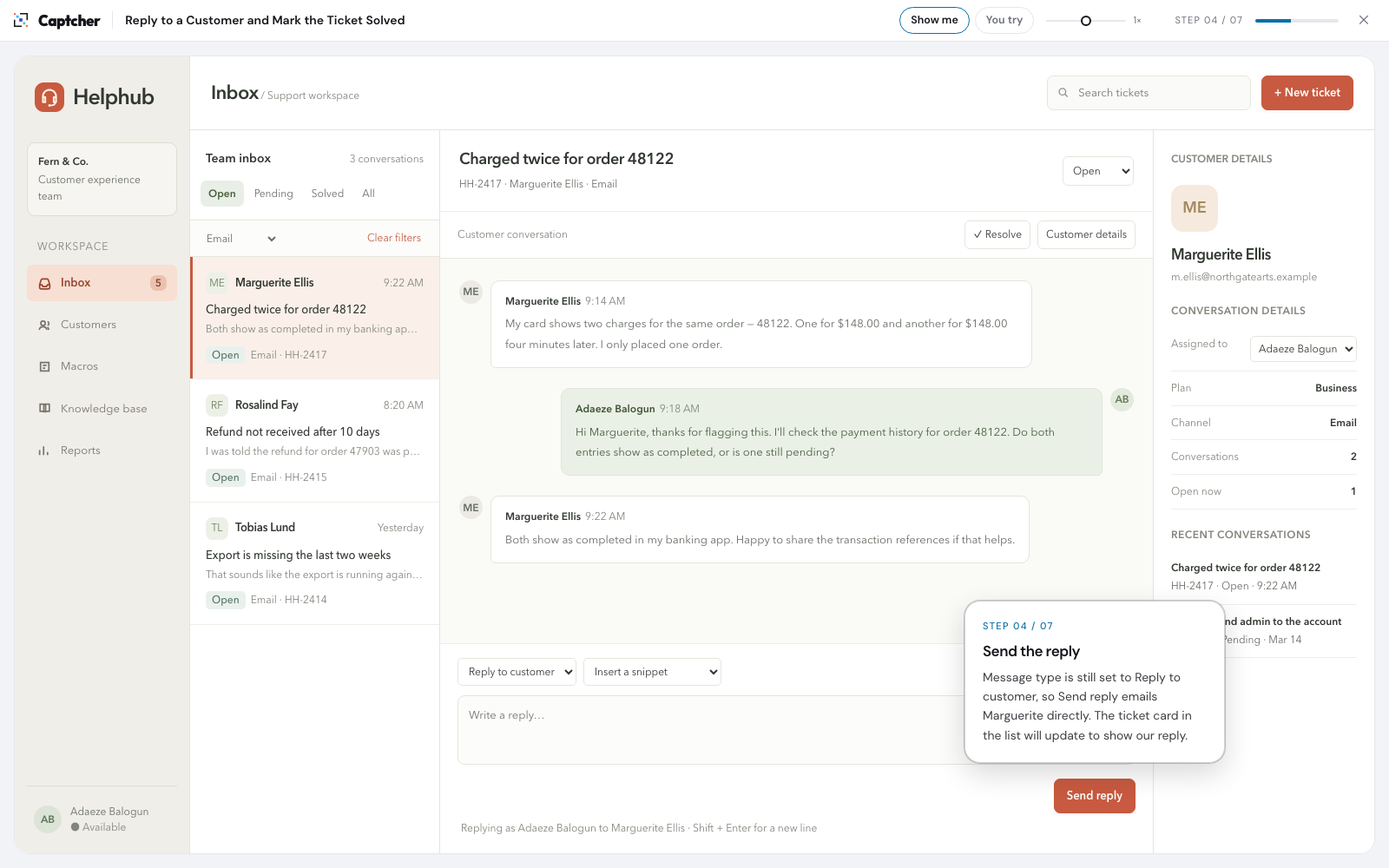
Open walkthroughA customer was charged twice and the duplicate has been refunded. Filter the inbox, reply with a snippet, set the ticket to Solved and find it in the Solved queue.
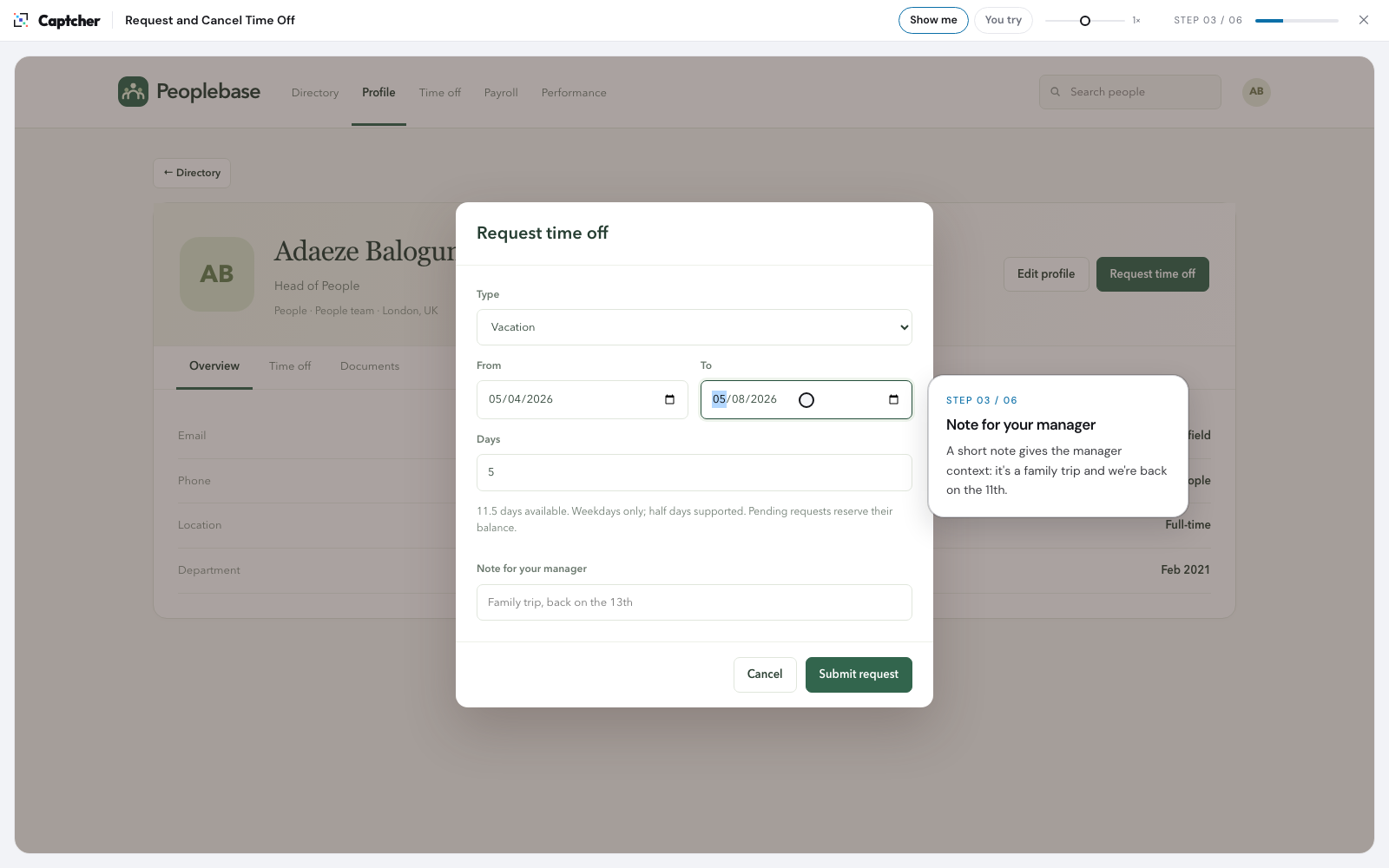
Open walkthroughBook a week of vacation from your own profile with a note for your manager. Then the trip is postponed, so cancel the pending request and get your balance back.
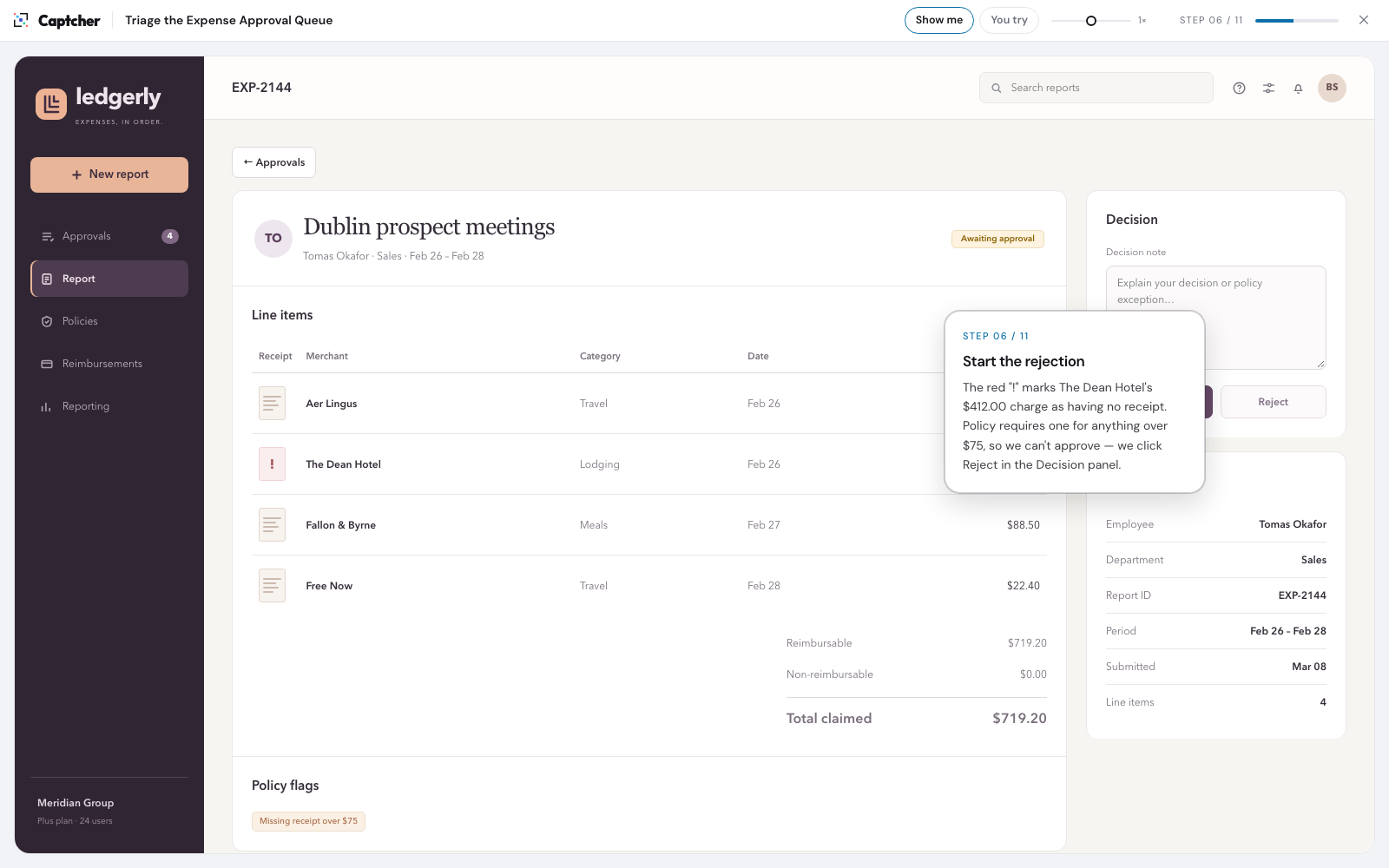
Open walkthroughFive expense reports are waiting. Split flagged from clean, approve the clean one, and send back a report with a $412 hotel charge that’s missing its receipt.
Open walkthroughShow me plays each step for you You try lets you click and type Nothing here connects to a live app
Downloads
Here is Request and cancel time off in every format Captcher exports, exactly as the app produces it. Open the HTML file in a browser, host the folder on your own site, or upload a SCORM package to your LMS.
Upload the SCORM .zip as it is, without unzipping it. The imsmanifest.xml file sits at the top of the package, where LMSs look for it. Not sure which version? Check the list for your LMS.
One file with everything inside. Plays offline, so you can email it or open it from a shared drive.
An index.html with its player, fonts and images in an assets folder, ready to put on your own web server.
SCORM 2004 4th Edition. Reports completion and resumes where the learner left off.
For LMSs that expect the older SCORM 1.2 standard. The walkthrough inside is the same.
Record a task once in Chrome and Captcher builds the walkthrough. It’s free during the open beta.
No credit card. Records in Chrome.